
ColdBet Sri Lanka supports four login methods: email, phone number, Google, and Telegram. The Android app adds biometric login — fingerprint or Face ID — giving you the fastest and most secure daily access available. This page covers every login method, how to enable 2FA and biometric, the full recovery sequence for every locked-out scenario, and a practical security checklist for protecting your LKR balance.
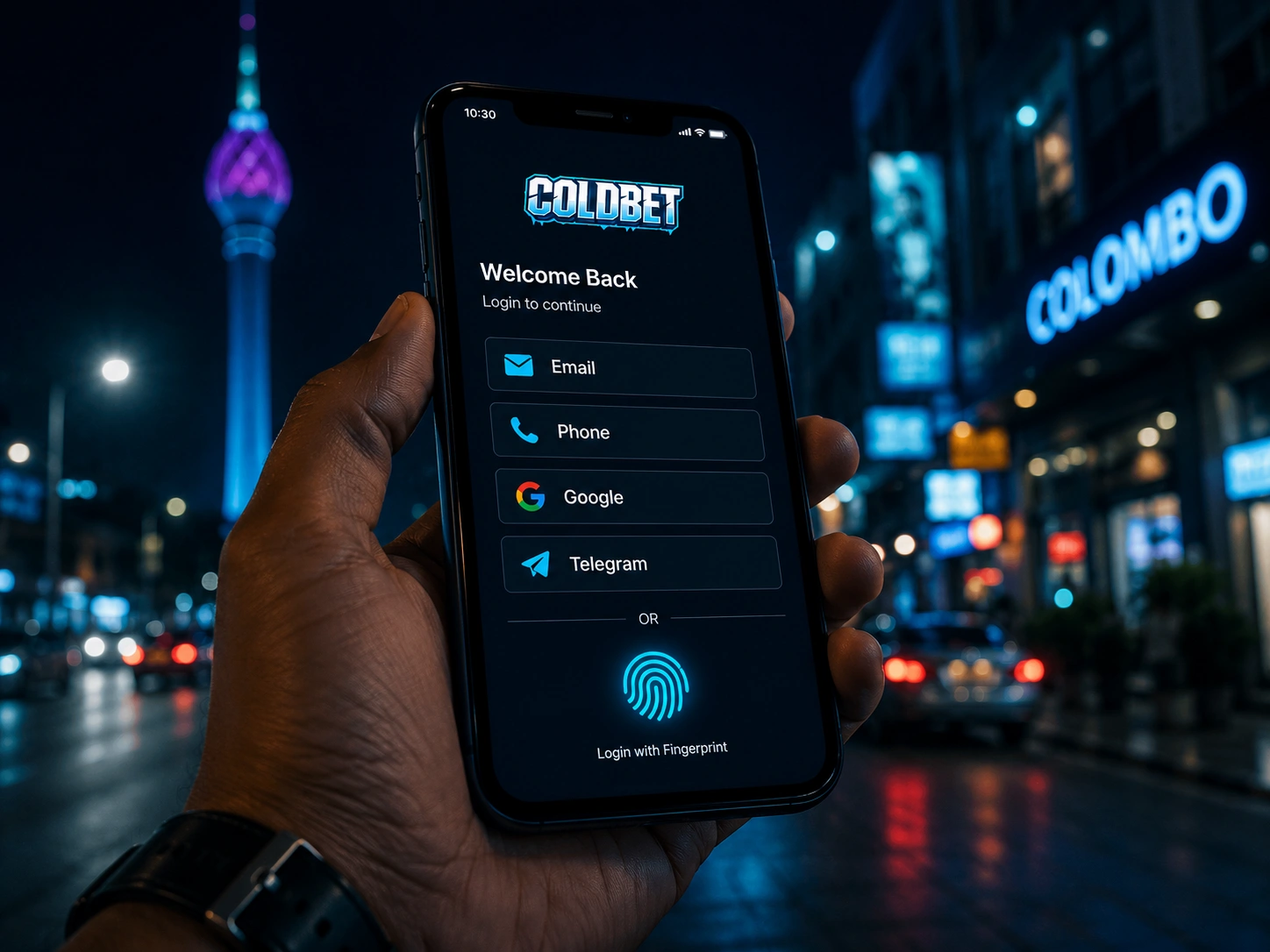
What Login Methods Are Available?
| 🔑 Method | Speed | Security | Recovery | Platform |
|---|---|---|---|---|
| Email + password | ~30 sec | Standard (better with 2FA) | Password reset via email | App & browser |
| Phone number + OTP | ~30 sec | Good | OTP to registered SIM | App & browser |
| Google login | ~5 sec | High | Google account recovery | App & browser |
| Telegram login | ~5 sec | High | Telegram account recovery | App & browser |
| Biometric (fingerprint/Face) | ~2 sec | Highest | Password fallback | Android app only |
Social login via Google or Telegram is the most reliable method for Sri Lankan players who change phones — the account is tied to a platform identity rather than a device or SIM, making recovery straightforward from any new device without contacting support.
How to Set Up Biometric Login on the Android App?
Step-by-Step Biometric Setup
- Install the ColdBet APK and log in once using your standard method (email, phone, Google, or Telegram)
- Go to Account Settings → Security → Enable Fingerprint or Enable Face ID
- Confirm with your current password when prompted — this is a one-time verification step
- On the next coldbet app login: tap the biometric icon on the login screen — no password entry required
- Works on Android 6.0 and above with a compatible fingerprint sensor or front-facing Face ID camera
- If biometric stops working after a phone OS update: go to Settings → Security → disable biometric → re-enable it — Android resets biometric API trust after major OS changes
Why Biometric Is the Recommended Daily Login
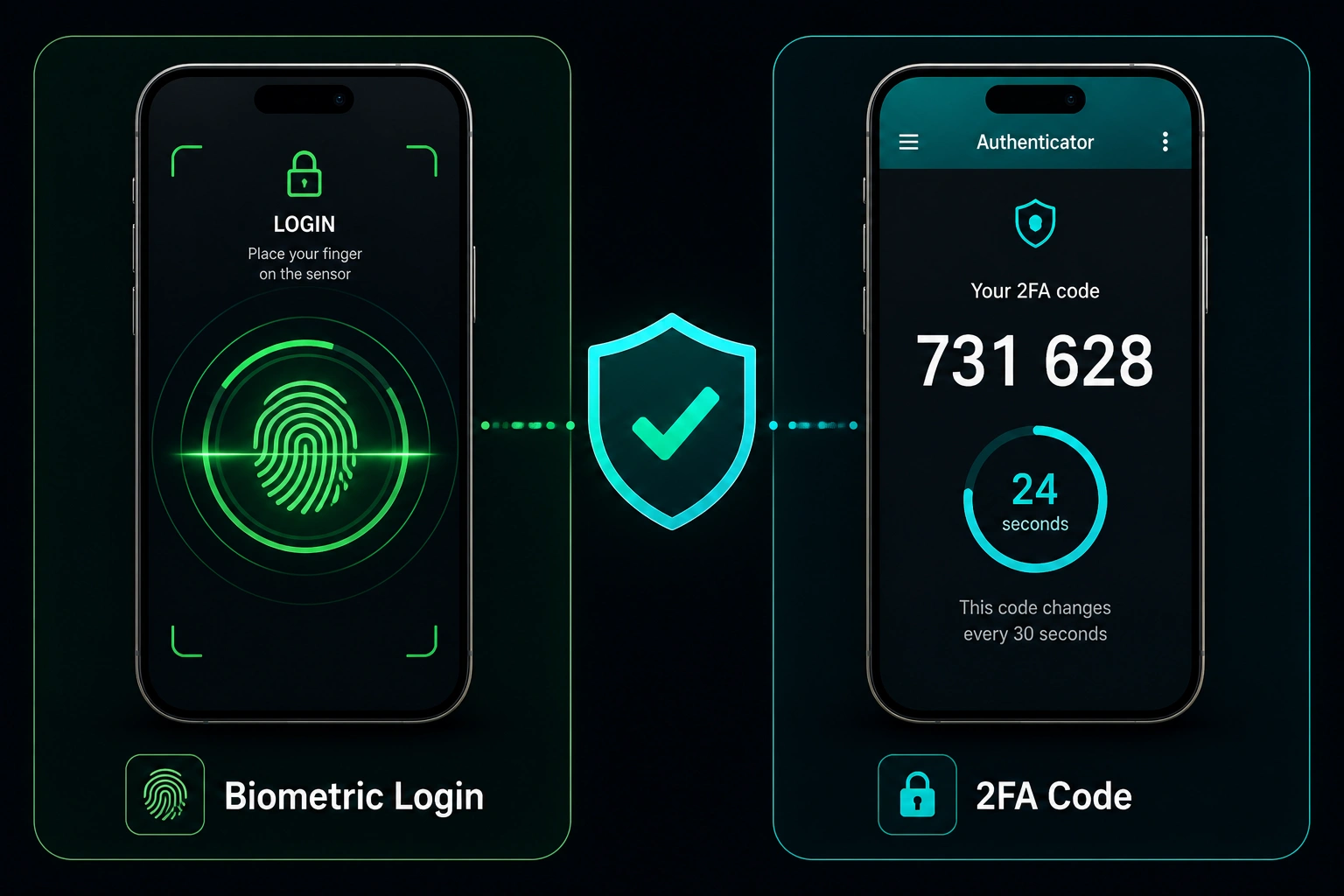
Biometric login eliminates the two most common account access vulnerabilities: password reuse across platforms, and password entry on a potentially compromised screen. A fingerprint or face scan is unique to you and to your device — it cannot be phished, forwarded, or intercepted in the same way a typed password can. For a coldbet com login that protects a real LKR balance, biometric plus 2FA covers the two most practical attack vectors simultaneously.
How to Enable Two-Factor Authentication (2FA)?
| Step | Action |
|---|---|
| 1 | Account Settings → Security → Enable Two-Factor Authentication |
| 2 | Choose method: app-based (Google Authenticator — recommended) or SMS code |
| 3 | Scan the QR code with Google Authenticator or receive setup code by SMS |
| 4 | Enter the 6-digit code shown to confirm activation |
| 5 | Save your backup codes in a secure location separate from your phone |
App-based 2FA via Google Authenticator is more secure than SMS — SMS codes can be intercepted through SIM swap attacks. With Google Authenticator, the rotating 6-digit code is generated on-device with no SMS dependency. Every coldbet mobile login with 2FA active requires both your password and the rotating code — even if your password is obtained, the account cannot be accessed without the second factor.
Account Security Checklist
| 🔒 Security Layer | Status | How to Enable | Protection Level |
|---|---|---|---|
| Strong unique password | Check — do not reuse from other sites | Account Settings → Change Password | ⭐⭐ Standard |
| Biometric login | Optional | Settings → Security → Enable | ⭐⭐⭐ High |
| Two-factor authentication | Optional | Settings → Security → 2FA | ⭐⭐⭐ High |
| KYC completed | Required before withdrawal | Account → Verification | ✅ Mandatory |
| Session log review | Periodic check | Account → Active Sessions | ⭐⭐ Good habit |
| Unique email for registration | If email method used | Registration stage — cannot change | ⭐⭐ Recommended |
How to Fix Common Login Problems?
Error Fixes by Scenario
| ❗ Problem | Fix | Time |
|---|---|---|
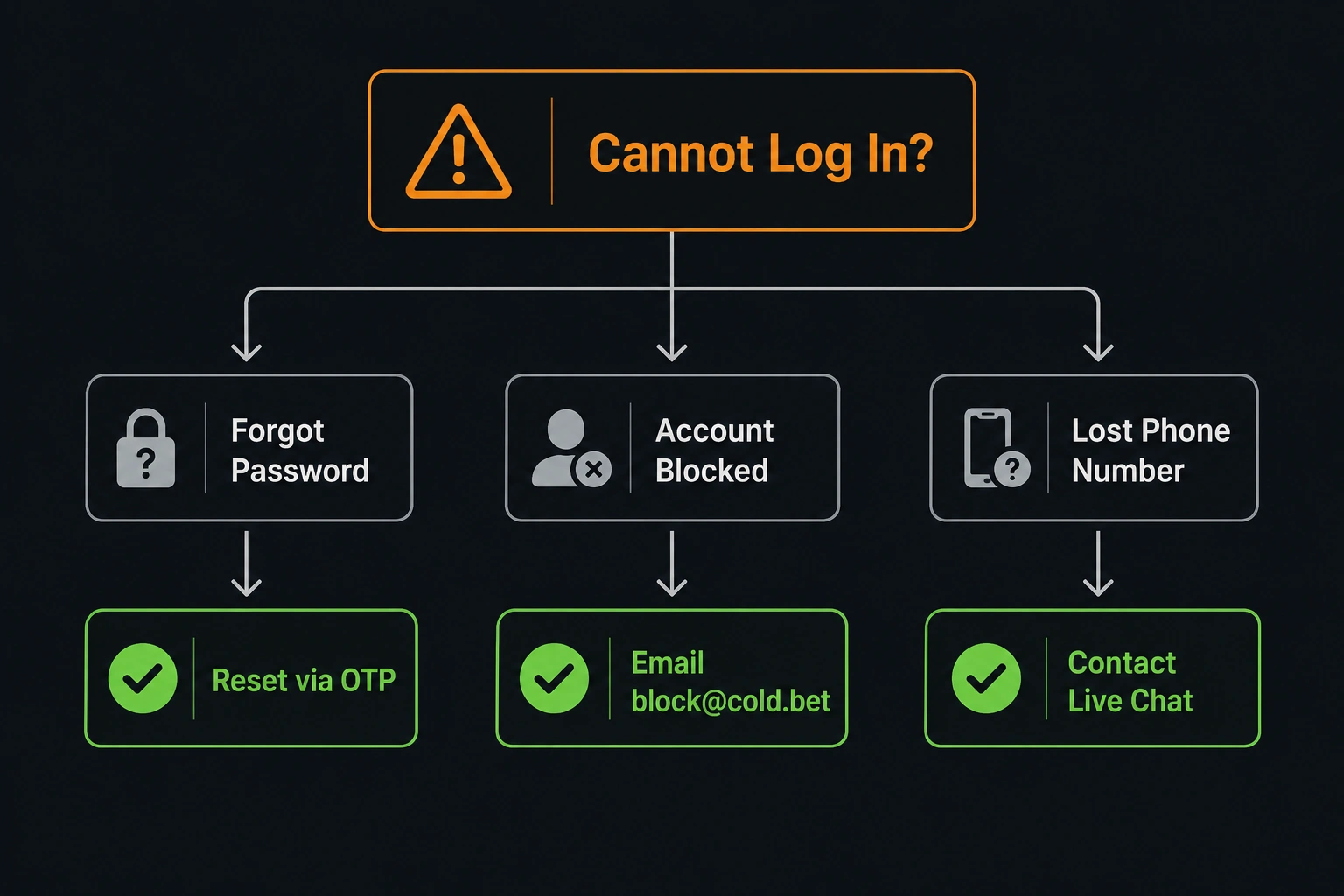
| Forgot password | Forgot Password → OTP to phone or email reset | ~60 seconds |
| Forgot email — have phone | Password reset via phone OTP | ~60 seconds |
| Forgot everything | Email support with IPay or Bank of Ceylon details for identity | Few hours |
| Account blocked | Email [email protected] with registered details | Same day typically |
| OTP not received | Check spam, wait 60 sec, disable VPN, request again | ~2 minutes |
| App login loop | Settings → Apps → ColdBet → Clear Cache → reopen | ~90 seconds |
| Biometric not working after OS update | Disable → re-enable in Account Settings → Security | ~2 minutes |
| 2FA device lost | Use backup codes → Settings → 2FA → Recover | Immediate with codes |
When to Contact Support Directly
- Account suspended and you do not know the reason — email [email protected] immediately
- You lost access to your registered phone number — contact live chat with identity verification documents
- Balance appears different from expected after login — screenshot and contact live chat immediately
- Active sessions show a device or location you do not recognise — change password immediately and remove that session
Your LKR Balance Is Safe Even When You Cannot Log In
A common concern during account lockouts is whether the LKR balance is at risk. It is not. Your balance, VIP level, bonus status, and full transaction history are stored on ColdBet's servers — completely separate from your device or login credentials. Being locked out of your coldbet login mobile session has no effect on any account data. Recovery restores access to everything exactly as it was before the lockout. Do not attempt to create a second account to bypass a lockout — doing so triggers the multi-account rule and complicates the recovery further.
ColdBet Login — Secure From Every Angle
Four login methods, biometric on Android for daily speed, 2FA for protection against credential theft, and full recovery available for every locked-out scenario. The security checklist covers every practical layer: unique password, biometric, 2FA, and periodic session review. The ColdBet login system and Sri Lanka accounts share the same security infrastructure — your LKR balance is protected by multiple independent layers simultaneously. Enable everything available to your device.
FAQ
How do I enable biometric login in the ColdBet app? 🔐
Install the APK, log in once with your standard credentials, then go to Account Settings → Security → Enable Fingerprint or Face ID. Confirm with your current password once. Every subsequent coldbet app login uses only the fingerprint scan — no password entry required. Android 6.0+ with a compatible sensor is needed.
Will I lose my LKR balance if I cannot log in? 💰
Yes. Your LKR balance, VIP level, bonus history, and all transaction data are stored server-side — not on your device. Being locked out of your coldbet com login does not affect your balance in any way. Recovery restores full access to everything exactly as you left it.
What should I do if someone else logged into my account? ⚠️
Change your password immediately via Account Settings. Go to Account → Active Sessions and remove any device you do not recognise. Contact 24/7 live chat with your registered email or phone and the date of the suspected access. If your LKR balance was affected, provide timestamps and transaction IDs to support.
My account is blocked after failed login attempts — who do I contact? 🔒
Do not attempt further logins — additional failures can extend the block duration. Email [email protected] immediately with your registered account email or phone number and any identity details you can provide. The coldbet login problem team reviews account blocks and typically responds within the same business day for first-time incidents.
Ready to continue with ColdBet?
Use one LKR account for casino games, cricket betting, bonuses and mobile play.